Home / User Guide / Activate Systweak VPN
Activate Systweak VPN
To activate Systweak VPN use these steps:
1. Check the email id you used to make the purchase for. On it you will find an email with:
- Your account login details
- A link to download the setup file
2. Click the download link provided in the email or on the post-purchase page.
3. Run the setup file and follow the on-screen instructions

4. Once installation is complete, the app will open, or you can launch it from your desktop.
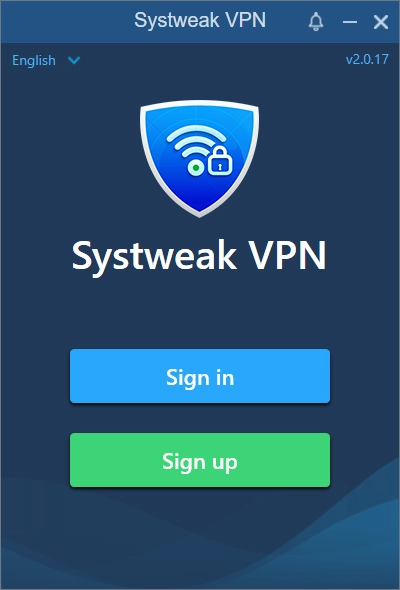
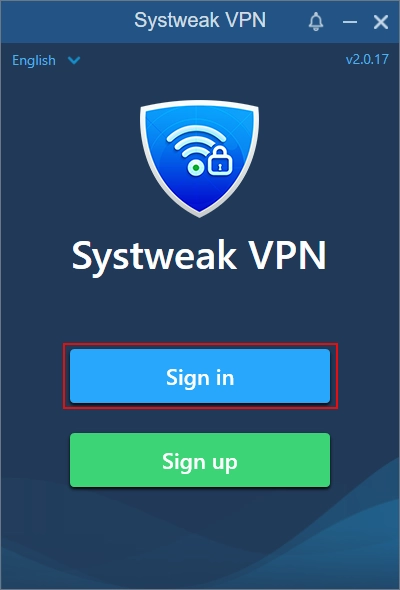
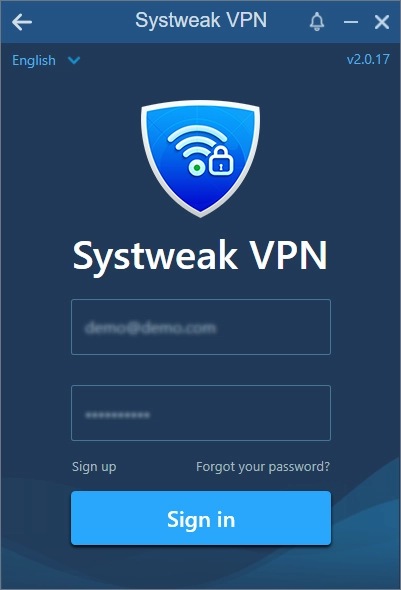
5. Click Sign In and enter your email address and password (received via email).
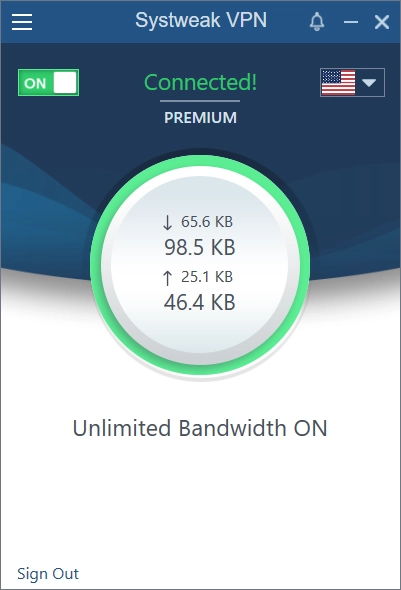
6. Once you are signed in, your account will be activated and you can start using Systweak VPN. Connect to any server to browse privately, and access content freely.